How to Ask for Review: Scripts for Square Merchants
Learn how to ask for review from happy clients with proven scripts and timing tips. Build reputation and grow your salon, barbershop, or spa using Square.
83% of consumers who are asked to leave a review go on to write one, so the simple act of asking is often the biggest driver of review volume for a service business. The wording and timing still matter, because a clumsy request can feel pushy while a thoughtful one feels like a natural part of good service.
You know the moment. A client checks the mirror after a haircut, runs a hand over a fresh fade, or leaves a massage looking relaxed and says, “I feel amazing.” You want to ask for a review, but the words catch in your throat. By the time you remember, they're in the parking lot, and the moment has gone.
The practical answer to how to ask for review is simple: ask directly, ask sincerely, and ask close to the moment when the client feels satisfied. Then make leaving feedback easy, with one clear link and no competing request.
Table of Contents
- Why Asking for Reviews Works Better Than You Think
- The Best Times and Channels to Ask for a Review
- Copy-Paste Scripts for Asking Reviews the Right Way
- Automating Review Requests with Square and ViralRef
- Building a Weekly Review-Ask Routine That Actually Sticks
Why Asking for Reviews Works Better Than You Think
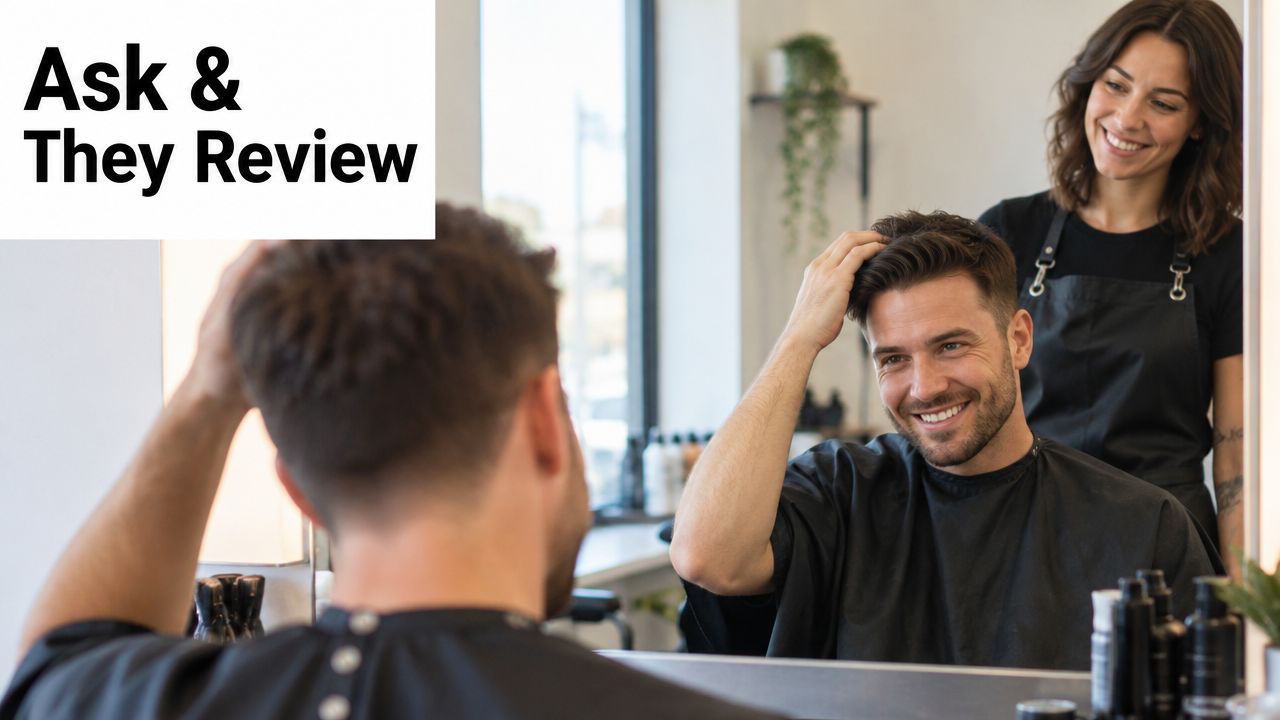
A great service often ends with a small, awkward pause. The barber knows the client is pleased, the client knows they're pleased, and both people move on without anyone mentioning a review. Owners often assume loyal customers will leave feedback on their own. In practice, many satisfied clients need a clear invitation.
A 2026 consumer-review roundup citing BrightLocal survey data reports that 83% of consumers who are asked to leave a review go on to write one, while 28% say they always write a review when asked, up from 16% the year before. The same roundup says 78% were asked to write a review for a local business in the past year, which means the request has become a normal part of the customer experience, not an unusual favor. See the consumer review statistics roundup for the source details.
The ask is part of the service
For a salon, the best opportunity may come when the client sees the finished color. For a barbershop, it may be when the cape comes off and the client approves the cut. At a spa, the right moment could be after the guest says the treatment helped. A fitness instructor may hear it when a member finishes a class and talks about feeling stronger or more confident.
Those moments matter because the client has a concrete experience to describe. A generic message sent days later asks them to reconstruct a feeling they've already left behind. A short request connected to the result they just enjoyed feels more personal.
Practical rule: Don't hope happy clients remember to review you. Give them a simple next step while the experience is still clear.
The mindset shift is important. You aren't begging for praise. You're giving a satisfied customer an easy way to help your team and help another local customer choose with confidence. Reviews also reveal where your staff are creating standout experiences, which can support efforts to reduce churn with empowered teams by sharing useful feedback with the people doing the work.
Make asking feel normal
Train staff to treat the request like a thank-you, not a sales pitch. A stylist can say, “If you enjoyed today's appointment, we'd appreciate your honest feedback online.” A front-desk employee can offer a QR code after payment. A studio manager can send a follow-up that names the class or service.
For a deeper look at handling feedback consistently, use this guide to online review management. The goal isn't to pressure every visitor. It's to create a dependable habit that respects the client and captures genuine experiences.
The Best Times and Channels to Ask for a Review
Timing usually beats clever copy. A beautifully written request sent too late still has to compete with everything else in a client's day.
Requests sent within 2 hours of service completion convert at 3.2 times the rate of requests sent after 24 hours, and 7.1 times the rate of requests sent after 72 hours, according to Flento's timing analysis. For a salon or spa, that points to the period immediately after checkout, while the client can still remember the stylist, treatment, result, and atmosphere.
Choose a clear trigger
Pick one completion point and use it across the business. It might be:
- Service complete: The stylist finishes the cut, color, or treatment.
- Payment complete: The client pays through Square POS or the appointment is closed in Square Appointments.
- Result confirmed: The client looks at the result and says they're happy.
A consistent trigger makes automation reliable. The service-business review system guidance recommends defining this moment clearly because staff can't automate a process that each person interprets differently.
Use text for the immediate ask
SMS works well because clients usually see it on the same phone they used to book or receive appointment reminders. One 2024 review-statistics summary reports about a 20% return for SMS-only requests, compared with about 15% for email-only requests, as summarized by GatherUp's review statistics.
A separate benchmark reports 42% response for SMS sent within 0 to 2 hours, falling to 11% at 24 to 48 hours and 6% after 48 hours. The same source puts email response around 9%, while completion improves by 30% to 50% when email is sent within 24 hours of a positive interaction. Those figures come from review request email guidance.
Use email when a client prefers it, when you need a little more context, or when your appointment system already has a trusted email relationship. Keep either channel focused on one action, such as visiting your Google review page. For practical SMS campaign ideas, see texting for campaigns.
Match the channel to the customer
A regular client who chats with the barber at checkout may respond best to an in-person request followed by a link. A spa guest who books and pays digitally may prefer a text. A fitness member who reads weekly studio emails may respond to email, provided you don't bury the review link among class news and promotions.
One ASU research summary warns that immediate reminders can sometimes reduce review posting, while a delay can increase it, depending on customer behavior and context. That means the sensible approach is to test timing by segment rather than treating every client exactly alike. Start with the post-service window, then adjust based on your own response patterns.
Copy-Paste Scripts for Asking Reviews the Right Way
The best script sounds like something a real person at your business would say. It shouldn't sound like a legal notice, a marketing blast, or a demand for a rating.
Start with the experience, name the next step, and explain why feedback helps. Don't add three links, a promotion, and a survey to the same message. A client who has to decide what to click often chooses nothing.
SMS script for salons and barbershops
Hey [Name], it was great seeing you today. If you have a quick moment, we'd love your honest feedback on Google: [review link]. It really helps our small business.
This works because it feels personal and takes little effort to read. A barber can change the first sentence to mention the haircut. A stylist might say, “I hope you're loving the new color.” A spa can refer to the treatment without making the message feel copied and pasted.
Keep the link visible and the request singular. Don't ask for a review, a referral, an Instagram tag, and a booking in the same text.
Email script for a spa or studio
Subject: How did your visit feel?
Hi [Name],
Thank you for trusting us with your [service]. We hope you loved your experience. Would you share your honest thoughts in a quick Google review? Your feedback helps our team and gives future clients a better idea of what to expect.
[Leave your feedback]
Thank you,
[Team member name]
[Business name]
Email gives you room for warmth, but it still needs a clean structure. BrightLocal's 2023 survey found that 34% of customers would be likely to leave a review if asked by email, according to its local consumer review survey. Use a familiar sender name, plain language, and one review destination.
For more variations by business type, compare these review request templates that work from YipSMS Inc.
In-person script that protects trust
Asking face to face can be powerful, but pre-screen the experience first:
- “How did we do today, from one to ten?”
- If the client responds positively, say, “I'm glad to hear that. Would you mind sharing that experience online?”
- Provide a QR code or send the review link immediately.
One expert source reports that asking in person can generate seven to eight times more reviews than asking by email, as summarized in guidance on asking for reviews. The private check-in gives an unhappy client a chance to speak directly with you instead of feeling pushed toward a public review.
Avoid “Can you give us five stars?” Experimental evidence summarized by Lehigh researchers found that conditional requests for a five-star review can reduce future loyalty, while unconditional requests for honest feedback produced better long-term customer outcomes across six experiments involving more than 3,000 participants, as detailed in this Lehigh research transcript. Ask for honest feedback, not a specific score. You'll protect the relationship and invite more credible comments.
You can also thank clients thoughtfully after they respond. This guide on how to thank clients for their business offers useful ideas for making appreciation part of the routine.
Automating Review Requests with Square and ViralRef
Manual requests still have a place. A stylist may text a long-term client after a great appointment, or a studio owner may ask a member right after a meaningful class. The trouble starts when the request depends on memory. Busy teams forget, ask too late, or send the same message to everyone even when the experience was different.
Square already gives you clean trigger points. Square POS records payment, Square Appointments records the visit, and Square Loyalty helps identify returning customers. That makes it easier to tie the request to a real interaction instead of a reminder sitting in a notebook or spreadsheet.
Manual versus automated requests
| Approach | Where it helps | Where it breaks down |
|---|---|---|
| Personal ask | Strong after a visible result or meaningful conversation | Staff may forget during busy periods |
| Scheduled email | Useful for clients who prefer email and need more context | Delays and crowded inboxes reduce attention |
| Automated SMS | Fast, consistent, and easy to connect to checkout | Still needs careful wording and sensible timing |
| QR code at checkout | Helpful when the client is standing in front of you | Doesn't replace follow-up for clients who leave quickly |
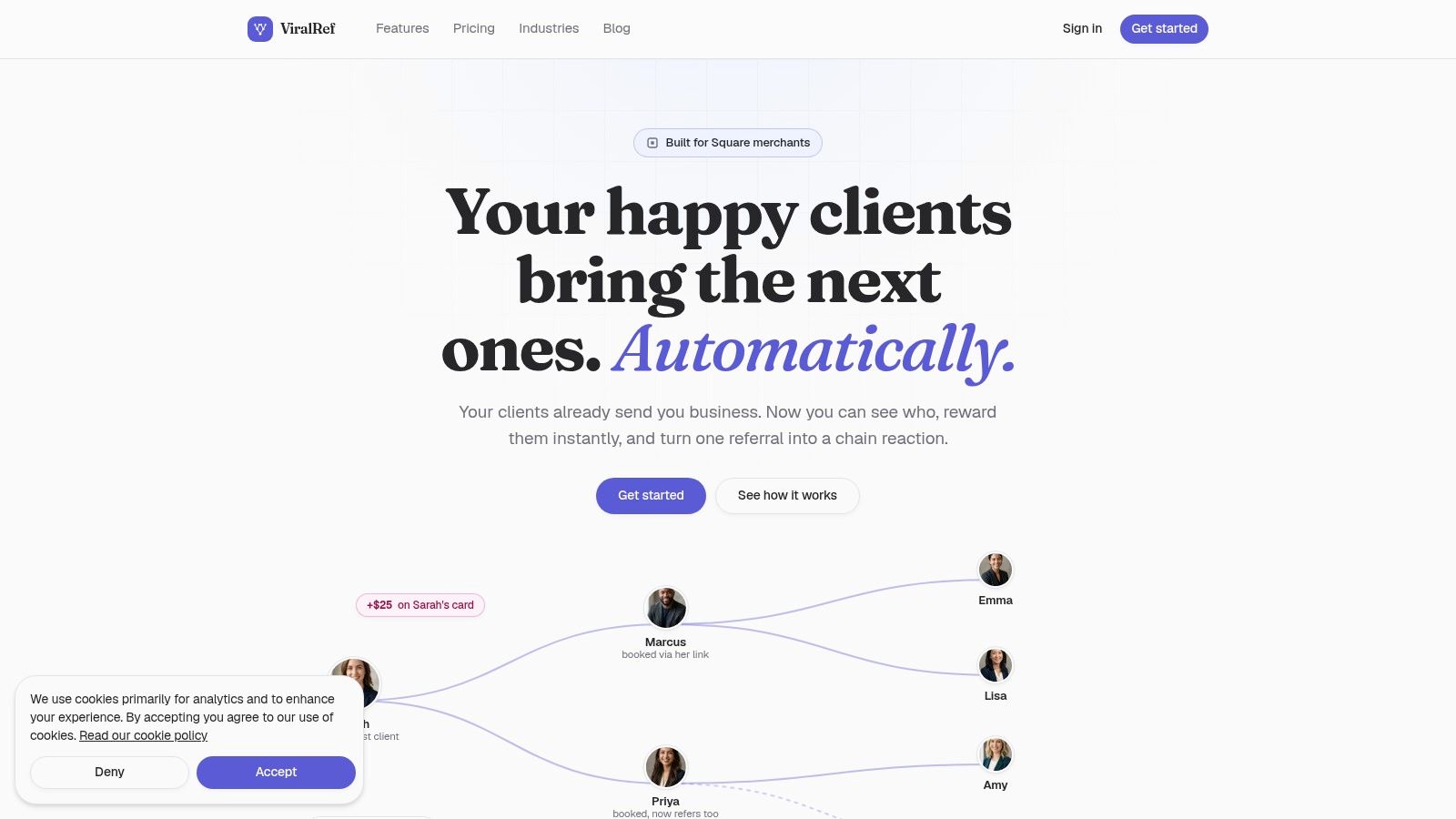
ViralRef is a referral program built natively for Square merchants, integrating directly with Square POS, Square Appointments, and Square Loyalty to automate review requests and referral rewards. After a payment or completed appointment, it can send a personalized SMS or email with a direct review link. You can read the product details on the ViralRef site.
Keep the personal touch
Automation should handle timing and delivery, not replace judgment. Set one clear trigger, keep the message short, and make the review destination easy to reach. For a multi-location studio, use location-specific wording so the client recognizes the business and the team they visited.
Review requests and referral rewards should stay separate. A review invite should ask for honest feedback without implying that a positive rating earns anything. A separate referral workflow can thank clients who introduce friends, using rewards that fit the existing Square checkout process.
Before you turn anything on, check the connection, confirm the correct Google review destination, send yourself a test, and make sure the message uses the client's name correctly. The Square connection documentation covers the setup path.
Building a Weekly Review-Ask Routine That Actually Sticks
Review generation becomes manageable when the team treats it like closing the appointment, not like an extra marketing project. The routine can be simple enough for a two-chair barbershop and structured enough for a multi-location fitness studio.
Start by writing down the exact completion trigger. “When the work is done,” “when the invoice is paid,” and “when the client confirms the result” can all work, but your team needs one shared definition. If one stylist sends the request before payment and another waits several days, the customer experience becomes inconsistent and your timing becomes impossible to evaluate.
A routine the team can repeat
At the appointment: The service provider checks satisfaction naturally. “Are you happy with the shape?” or “How does your shoulder feel after the treatment?” This is service conversation, not a review request.
At checkout: The employee confirms payment through Square POS or closes the visit in Square Appointments. That event becomes the trigger for the follow-up.
After the visit: The system sends one short request through the client's preferred channel. If you need a reminder, make it limited and useful rather than sending repeated nudges.
During the weekly review: Look at which messages were answered, which staff members are consistently creating positive experiences, and whether clients are getting the link at the right time. Don't chase a perfect rating. Read the words for patterns about wait times, cleanliness, communication, and results.
For appointment-heavy businesses, a dependable appointment reminder system can help keep customer communication organized before and after the visit.
Coach the team on language
Give staff one in-person script and let them make it sound natural. The essential point is the wording: ask for honest feedback, never demand five stars. If a client raises a concern, stop the public-review ask and handle the concern directly.
A review routine should make it easier for happy clients to speak, not pressure them into saying something they don't mean.
The owners who collect reviews consistently aren't necessarily the ones with the biggest teams. They're the ones who define the moment, make the request easy, and give staff permission to ask with confidence. Put the trigger and script beside the Square checkout station, test the workflow yourself, and review the results every week.
ViralRef connects with Square POS, Square Appointments, and Square Loyalty to automate timely review requests while also helping you turn genuine word-of-mouth into trackable referrals. Visit ViralRef to connect your Square account and give your team a simple way to ask, thank, and grow.
Related articles
Referral Program Meaning: A Guide for Square Merchants
Unpacking the referral program meaning for salon, spa, and studio owners. Learn how to turn word-of-mouth into new clients with automated rewards on Square.
Community Building Strategy for Square Merchants
Learn a proven community building strategy for Square merchants that turns loyal clients into a steady stream of new bookings with simple referral tools.
Customer Experience E-commerce: A Guide for Square Merchants
Learn to improve your customer experience e-commerce strategy on Square. This guide helps salon, spa, and fitness owners boost client retention and acquisition.