Appointment Reminder System Guide for Square Businesses
Learn how an appointment reminder system cuts no-shows, protects revenue and keeps Square calendars full with automation, templates and timing tips.
A client forgets a Saturday haircut, a spa guest cancels too late, or a fitness member doesn't show for a class. You arrive at the studio, open Square, and see an empty slot that could have gone to someone else. Your employee is ready, the room is prepared, and the opportunity to earn from that appointment has disappeared.
That problem affects more than today's sales. Staff lose productive time, clients may feel frustrated when they miss an appointment, and your calendar becomes harder to predict. For a salon, barbershop, spa, or fitness studio, a well-designed appointment reminder system can protect available time without forcing you to discount services or spend the day chasing confirmations.
The important word is “designed.” A reminder isn't only a text sent before an appointment. The strongest setup reaches clients through a suitable channel, gives them clear details, lets them confirm or change the booking, and tells your team what to do when they don't reply. It should also fit the Square tools you already use.
This guide explains how that workflow works, why it matters, which features deserve attention, how to write messages that get replies, and how to measure the outcome. It also connects reminders with the next step in growth. Once a satisfied client returns reliably, a referral program can help that client introduce friends and fill future appointments through word-of-mouth. For a broader look at how automated follow-up shapes the customer experience, see this guide to customer experience automation.
Table of Contents
- What an Appointment Reminder System Really Does
- Why Reminders Pay for Themselves for Service Businesses
- Key Features That Actually Reduce No-Shows
- Timing Templates and Message Design That Gets Replies
- Choosing and Connecting Your System to Square
- Measuring Results and Turning Reminders Into Growth
What an Appointment Reminder System Really Does
Think of an appointment reminder system as a dependable front-desk assistant. After a client books, the system checks the appointment details, waits until the right time, sends the message, and records what happens next. It doesn't replace your judgment. It removes repetitive work that staff might otherwise handle one booking at a time.
The basic workflow has four parts:
- A booking creates the trigger. A client books a haircut, facial, massage, personal-training session, or class in Square Appointments.
- The system selects the timing. It sends a confirmation or reminder according to rules you set.
- The message uses a channel. That might be SMS, email, or another supported option.
- The reply changes the next action. A confirmation keeps the booking active, while a reschedule or cancellation updates the calendar or creates a task for staff.
Square Appointments includes automated SMS and email appointment reminders that can be turned on for bookings, and Square says these reminders are built into the booking flow so clients can confirm, reschedule, or arrive prepared. You can review the details in Square's appointment reminder feature.
The difference between a notice and a workflow
A one-way notice says, “You have an appointment tomorrow.” The client still has to find your phone number, explain what they need, and wait for someone to move the booking. A two-way workflow says, “Reply to confirm, reschedule, or cancel,” then routes each response to the right outcome.
That distinction matters during a busy day. A barber may be serving one client while another replies that they need a different time. If the system captures the request and updates Square Appointments, the barber doesn't have to stop mid-service to manage the calendar.
If your business also manages several calendars, a resource about how to manage calendar alerts across accounts can help you think through alert ownership and scheduling visibility. The goal is simple: staff should see one reliable version of the day's appointments.
Plain-language definition: An appointment reminder system sends timely booking information, invites a clear response, and helps your calendar reflect what the client actually wants to do.
Why Reminders Pay for Themselves for Service Businesses
A missed appointment creates an empty block that you often can't sell again at short notice. The cost isn't limited to the service price. Your stylist, barber, esthetician, or instructor still has scheduled time, and your business has prepared for a client who doesn't arrive.
Independent industry summaries report that service businesses often face no-show rates around 15% to 25% before reminders, with a cross-industry average near 23%, according to reported no-show statistics for service businesses. Treat those figures as a planning reference, not a promise about your own calendar. Your rate may vary by service, client type, booking lead time, and cancellation policy.
What the missed slot really costs
Suppose a barbershop has a full day's schedule. One no-show means the chair sits unused while the barber waits, cleans, or handles low-value admin. A spa faces the same issue with a treatment room and an esthetician. At a fitness studio, a missed private session can leave an instructor available but unbooked.
Reminders protect this capacity in two ways. They help clients remember, and they give clients a practical chance to cancel or reschedule before the appointment. That notice can create time to contact a waitlist, reopen the booking slot, or move staff attention to another task.
Why attendance affects retention
A client who misses an appointment may feel awkward about returning, especially if the business has a strict policy. A friendly reminder lowers that friction by making the booking details easy to find and the next step obvious. A simple reschedule path is more helpful than a message that only warns clients about a fee.
Historical evidence supports the underlying idea. An early cost-effectiveness analysis found that reminder letters and telephone calls reduced the no-show rate from 24% in the control group to 14% in the reminder groups, a 10-percentage-point absolute improvement in attendance, as reported in the PubMed record for the reminder study. The methods were simple, but the operational lesson still applies: timely outreach can protect appointment capacity.
For Square merchants, that means reminders can support more predictable use of Square Appointments without relying on constant manual follow-up. They can also improve the experience around Square POS by reducing the number of awkward conversations that happen after a missed booking.
A reminder doesn't create demand by itself. It protects the demand you've already earned.
Key Features That Actually Reduce No-Shows
The right system does more than send messages on a timer. It helps your team reach clients, make the booking easy to understand, and respond quickly when plans change. Electronic reminders have a measurable effect in pooled evidence. A systematic review and meta-analysis found that patients receiving electronic reminders were 25% less likely to no-show, with attendance improving from 79% to 85%, according to the BMJ Open review of digital clinic notifications.
Use that evidence as a reason to build a thoughtful workflow, not as a guarantee for every salon or studio.
Compare the pieces before you buy
| Channel or Feature | Strengths | Watch Outs | Best For |
|---|---|---|---|
| SMS | Fast, concise, convenient for replies | Requires consent and short, clear copy | Clients who want quick confirmation |
| Holds fuller preparation and location details | Clients may read it later or miss it | Detailed service instructions and receipts | |
| Voice | Useful when a spoken reminder is preferred | Can require more staff or system configuration | Clients who don't respond to digital messages |
| Scheduled automation | Keeps reminders consistent | Poor timing can feel intrusive | Busy teams with recurring bookings |
| Two-way replies | Makes confirmation and rescheduling actionable | Requires clear routing and staff ownership | Businesses that want fewer manual calls |
| Square Appointments sync | Keeps bookings and availability aligned | Check exactly what updates flow back | Square merchants managing one calendar |
| Reporting | Shows patterns by service, staff, or channel | Weak reports make improvement difficult | Owners testing and refining workflows |
Channel choice is part of good service
Don't assume every client wants SMS. Research on reminder channels found that SMS, email, and phone reminders didn't always produce a statistically significant difference in no-show rates, and patient-choice research recommended letting people select a preferred channel. The same research highlights barriers involving language, privacy, trust, income, age, and digital access, as discussed in this review of patient preferences and reminder equity.
A multilingual spa might offer text or email in the client's preferred language. An older barbershop customer might prefer a phone call. A fitness studio member may want a text with a direct confirmation option. Keep the choice in the booking profile, then honor it.
Use the scheduling optimization guide to connect reminder decisions with staff availability, booking demand, and your wider calendar process. The best feature set is the one your team can operate consistently.
Timing Templates and Message Design That Gets Replies
A reminder can arrive successfully and still fail. Clients may not know which location to visit, what service they booked, or how to change the appointment. Qualitative research identifies four recurring usability gaps: too much information, frustrating callback flows, missing or cryptic logistics, and reminder fatigue. Message design therefore deserves as much attention as delivery.
A randomized trial with 54,066 patients found that reminders sent 3 days and 1 day before a visit reduced missed appointments to 4.4%, compared with 5.8% for a 3-day-only reminder and 5.3% for a 1-day-only reminder, according to the systematic review and trial summary. The exact result won't transfer automatically to a salon or studio, but it supports testing more than one well-spaced touch.
Give each message one job
The first message should make the booking easy to recognize. The second should ask for a decision. If you use a same-day message, keep it focused on arrival details rather than repeating a long sales pitch.
Salon or barbershop, 3 days before
Hi [First name], your [service] with [staff member] at [business] is on [day] at [time]. Reply C to confirm, R to reschedule, or use [booking link] to manage it.
Spa, 1 day before
Hi [First name], we look forward to seeing you tomorrow at [time] for your [treatment]. Please arrive ready for your appointment. Reply C to confirm or R to choose another time.
Fitness studio, same day
Your [class or session] starts today at [time] at [studio]. Reply C to confirm. Need to change plans? Reply R and we'll help you find another booking.
Keep the service name, time, staff member, and location accurate. Don't put every policy, parking instruction, preparation note, and promotion into one SMS. Put longer details in email or a linked booking page.
Design the reply path before sending
Decide what happens after each response. A “C” should mark the appointment confirmed or remove unnecessary follow-up. An “R” should open a rescheduling path, not send the client into a confusing phone menu. A cancellation should free the slot quickly and, where appropriate, notify staff or a waitlist.
A behaviorally designed SMS reduced hospital no-show rates by over 30% in a large A/B test and also changed cancellation behavior, according to the study of SMS message design and appointment attendance. The lesson for a Square merchant is practical: wording and response options can change what clients do.
For more ideas on clear confirmation language, review these rednea appointment confirmation tips. Then apply the same discipline to campaigns and follow-up messages with texting for campaigns, while keeping appointment reminders separate from promotional content.
Choosing and Connecting Your System to Square
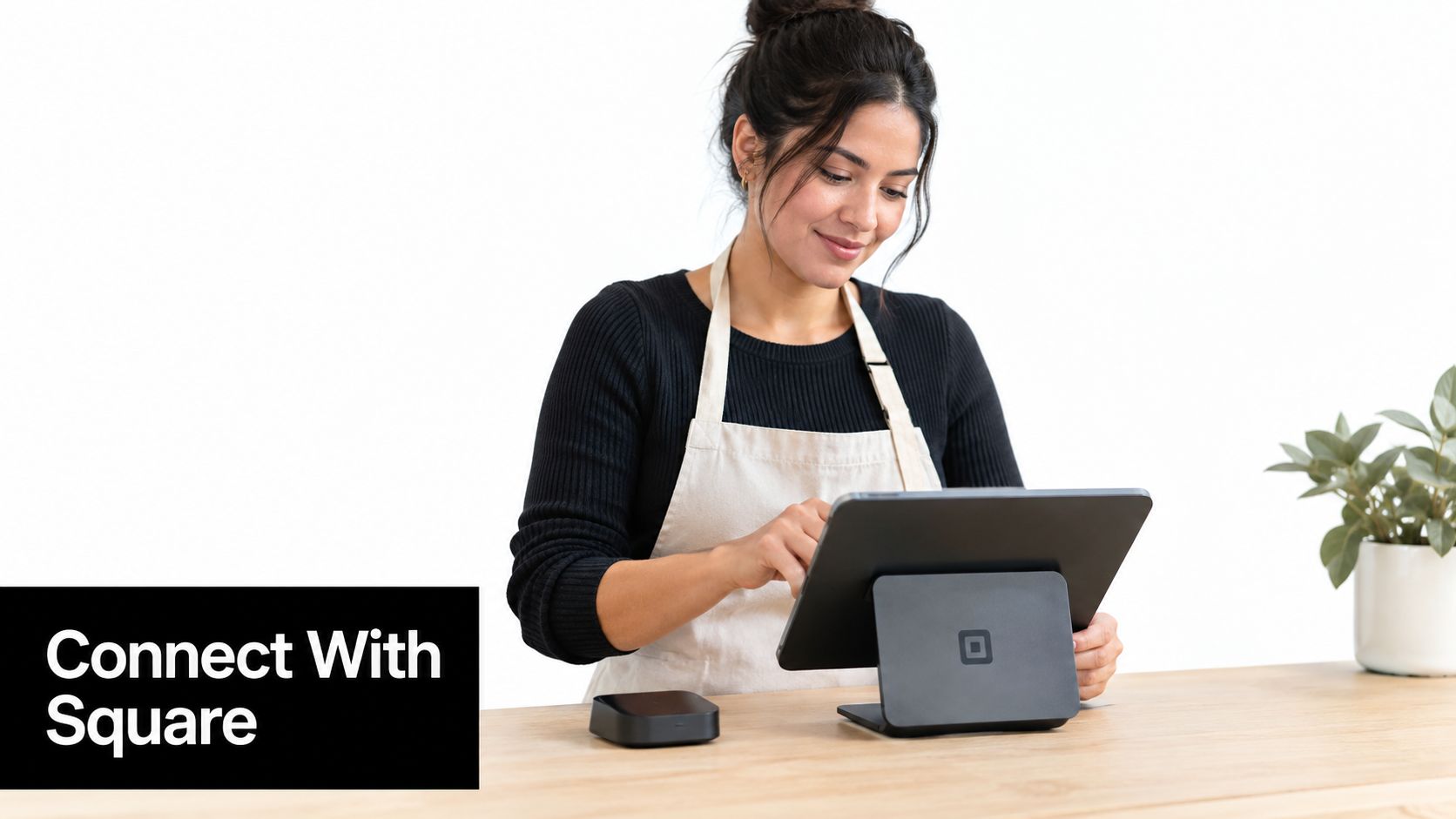
Start with the system you already trust. If Square Appointments handles your booking pages, staff calendars, payments, and customer records well, its built-in reminders may cover the basics. If your team needs more complex reply handling, additional channels, or follow-up across several tools, consider an add-on that connects to Square rather than replacing your entire operation.
Use this selection checklist
Check the booking connection. Confirm whether the system reads new bookings, changes, cancellations, staff assignments, service names, and locations from Square Appointments. A connection that only imports the original booking can create wrong reminders after a client moves the appointment.
Check the payment context. Your reminder tool shouldn't interfere with Square POS, Virtual Terminal, or Invoices. Make sure the client record remains consistent when the appointment leads to an in-person payment or a deposit.
Check the customer journey. If you use Square Loyalty, see whether the reminder process can preserve the same client identity and avoid duplicate records. You want one client history, not separate profiles for a booking, a payment, and a referral.
Roll out in a controlled way
- Map the current process. Write down what happens from booking to confirmation, cancellation, reschedule, arrival, and payment.
- Choose an owner. One person should approve message wording, monitor replies, and handle exceptions.
- Connect the calendar. Link the chosen system to Square Appointments and verify that staff and service details appear correctly.
- Test real scenarios. Create test bookings, move them, cancel them, and reply through each available channel.
- Train the team. Show staff where confirmed, rescheduled, and unanswered appointments appear.
- Launch softly. Start with one service or one location, review the results, then expand.
A randomized study of 13,505 outpatient appointments found staff reminders had a lower no-show rate, 13.6%, than automated reminders at 17.3%, while no reminder produced 23.1%, according to the study comparing staff and automated reminders00108-7/fulltext). Automation shouldn't mean abandoning human outreach. Use it for consistency, then give staff a clear escalation task when a client needs personal help.
If you also compare scheduling tools across financial systems, this guide to scheduling software compatible with QuickBooks 2026 offers useful evaluation context. For Square-specific workflows, review Square POS integration before you connect another tool.
Measuring Results and Turning Reminders Into Growth
Once reminders run, track what clients do, not merely whether messages were sent. Start with your no-show rate, cancellation rate, rescheduling rate, rebooking rate, and revenue per available slot. Compare results by service, staff member, location, lead time, and channel when your system makes that possible.
Historical research gives you a useful benchmark for the direction of change. Reminder letters and telephone calls reduced no-shows from 24% to 14% in an early analysis, as noted in the foundational appointment reminder study. Your own baseline matters more than copying that result. Record the current pattern before changing the workflow, then compare a consistent period afterward.
Improve one variable at a time
Test the first reminder timing, the length of the message, the confirmation wording, and the response method separately. A spa might compare a short “Reply C to confirm” message with one that includes a reschedule link. A fitness studio might compare email-first communication with SMS-first communication for members who often miss early sessions.
Look for operational signals:
- No-shows: Are missed bookings declining for the services that caused the most disruption?
- Cancellations: Are clients giving enough notice for you to reopen the slot?
- Rebooking: Do clients who change an appointment choose another time?
- Reply handling: Can staff resolve unanswered or unclear replies quickly?
- Client experience: Are people asking fewer basic questions about time, location, and preparation?
Use reporting and analytics to turn those observations into a repeatable review habit.
Connect reliable attendance with referrals
A salon can send a helpful reminder, deliver the service smoothly, and follow up when the client is likely to be pleased. At that point, a referral invitation feels relevant rather than random. A fitness studio can use the same sequence after a member attends a class or rebooks a session.
ViralRef is the only referral program built natively for Square. It gives customers unique referral links and branded portals without requiring an app, supports QR and social sharing, and can issue in-house gift cards or coupons that work with Square POS, Virtual Terminal, and Invoices. Its Square connection can also trigger referral invitations after booking or appointment-related events, so reminders and word-of-mouth can work as one retention cycle.
The practical loop is straightforward: help the client remember, make attendance easy, deliver a good service, invite a referral, and thank the referrer when the new customer books. That turns an empty-chair problem into a process for protecting existing appointments and creating future ones.
Connect ViralRef to your Square operation to give satisfied clients a simple way to share your salon, barbershop, spa, or studio with friends. Visit ViralRef to explore referral links, Square-compatible rewards, and appointment-related follow-up that can help turn reliable attendance into measurable word-of-mouth growth.
Related articles
Fraud Detection System Guide for Square Merchants
Learn how a fraud detection system protects Square merchants from referral abuse, self-referrals, and fake signups without blocking real customers.
Square POS Integration: The Guide for Service Businesses
A step-by-step guide on Square POS integration with a referral program. Learn to automate rewards and grow your salon, spa, or studio with ViralRef.
Square Virtual Terminal: A Guide for Service Businesses
Learn how to use the Square Virtual Terminal to take payments over thephone or online. A simple guide for salon, spa, and studio owners.