Gift Cards vs Coupons: Choosing the Right Referral Reward
Gift cards and coupons both work as referral rewards, but they serve different purposes. Here's when to use each -- and how to combine them for maximum impact.
TL;DR
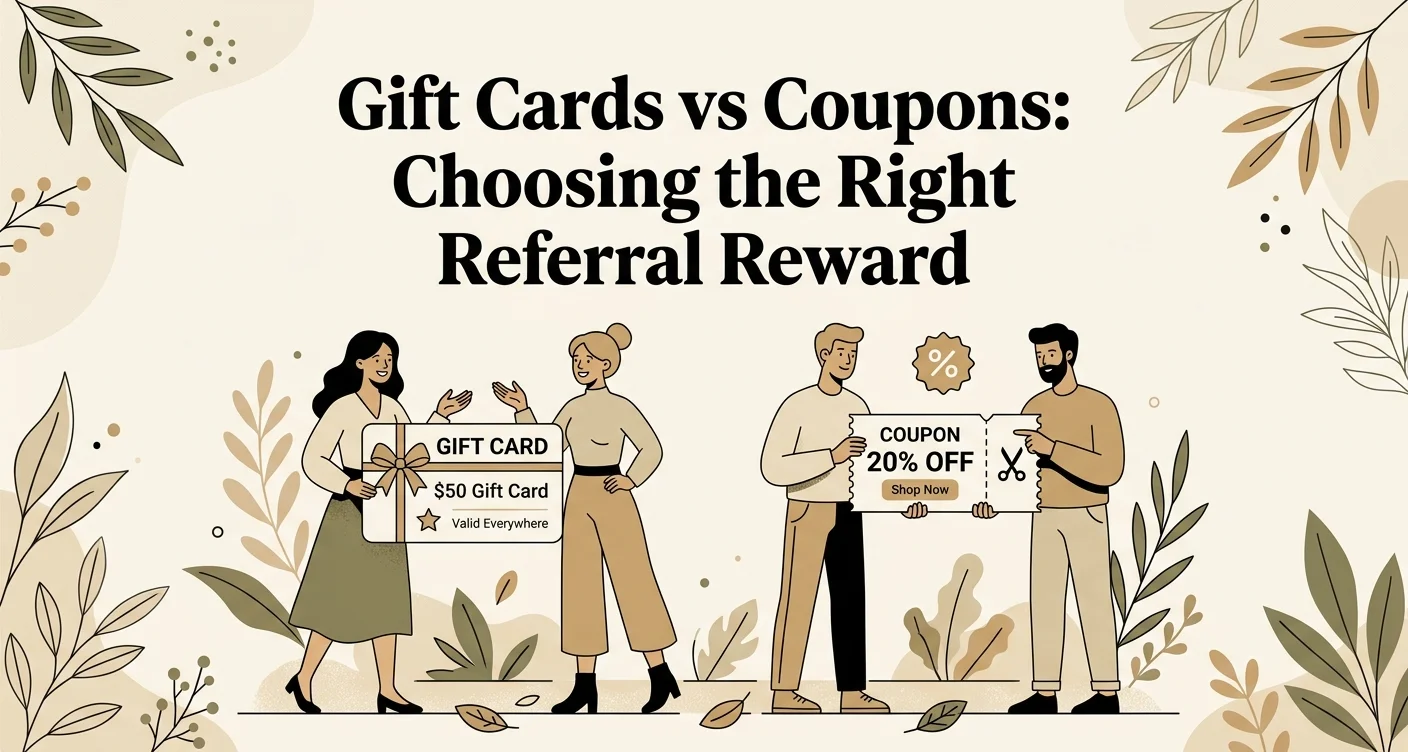
Gift cards are best for rewarding existing referrers because the money stays in your business and guarantees return visits, while coupons are best for new referred customers because auto-apply discounts lower the barrier to a first visit. Use both together for maximum impact.
ViralRef now supports two automatic reward types for your referral programs: gift cards and coupons. Both integrate directly with Square POS. Here's how to choose between them -- or use both.
Gift cards: keep the money in-house
Gift card rewards add credit to a Square gift card that can only be redeemed at your business. The money never leaves.
Best for:
- Rewarding existing referrers who already visit your business
- Programs where you want to guarantee return visits
- Higher-value rewards that build long-term loyalty
When a conversion is approved, the referrer's gift card balance increases automatically. No manual work required.
Coupons: drive the first visit
Coupon rewards create an auto-apply discount in Square. When the customer checks out at your POS, the discount applies automatically -- no code entry, no awkward conversation at the register.
Best for:
- Welcome rewards for new referred customers
- Lowering the barrier to a first visit
- Time-sensitive promotions (coupons can have expiration dates)
Coupons are single-use. Once redeemed, the customer is removed from the discount group automatically.
Mix and match
You can set independent reward types for each side of the referral:
- Referred customer gets a coupon (removes friction from their first visit)
- Referrer gets a gift card (motivates them to keep sharing and come back)
This works well for service businesses. The coupon gets new customers through the door, and the gift card gives your referrers a reason to keep sharing.
Coupon configuration options
When setting up coupon rewards, you control:
| Setting | Options |
|---|---|
| Discount type | Fixed amount ($10 off) or percentage (15% off) |
| Scope | Entire order, specific items, or specific categories |
| Expiration | Optional -- set a number of days before the coupon expires |
Quick setup
- Open your referral program in ViralRef
- Set Reward Mode to "Coupon" for referred customers
- Configure the discount type, value, and scope
- Optionally set Referrer Reward Mode to "Gift Card" for a mixed approach
- Save -- coupons are issued automatically from that point on
For full configuration details, see our Creating a Program guide.
Related Reading
- Why Gift Cards Beat Cash for Referral Rewards -- A detailed case for gift cards over cash, with ROI comparisons
- Creating a Program -- Full guide to configuring reward modes, discount types, and commission structures
- How Much Should You Pay Referral Partners? -- Benchmarks and formulas for setting the right reward amounts
Related articles
Why Gift Cards Beat Cash for Referral Rewards
Cash rewards seem like the obvious choice for referral programs. But for service businesses, gift cards outperform cash in retention, cost, and engagement.
How to Use Bounties to Supercharge Your Referral Program
Bounties turn your referral program into a game. Here's how to create time-bound challenges that motivate your referrers and drive bursts of new customer activity.
Automate Your Referral Program with Smart Features
Learn how ViralRef runs your referral program on autopilot with weekly digest emails, post-visit reminders, coupon auto-apply, automatic retry, and built-in fraud detection.