Affiliate Groups & Commission Tiers: Rewarding Your Top Performers
Not all referrers are equal. Here's how to use affiliate groups and commission tiers to reward your best performers with higher rates -- and motivate everyone else to level up.
TL;DR
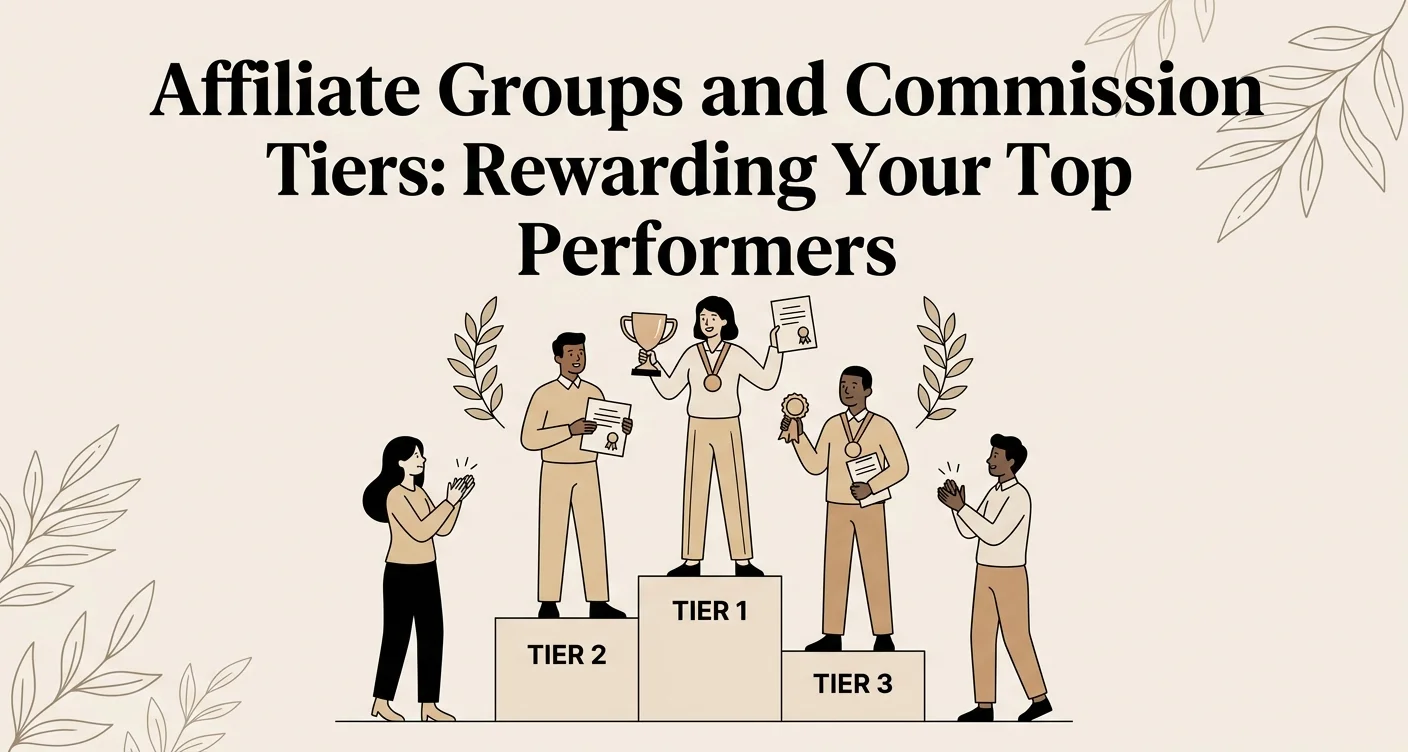
Flat commission rates stop making sense once your referral program grows. Affiliate groups let you assign custom rates to specific segments (VIPs, staff, influencers), while commission tiers automatically increase rates as referrers hit milestones -- and groups always take priority over tiers.
When you first launch a referral program, a flat commission rate works fine. Everyone earns the same percentage or fixed amount per referral. Simple.
But as your program grows, you'll notice a pattern: a few referrers consistently outperform everyone else. Your top stylist refers 15 new clients a month. A loyal customer has brought in 30 friends over six months. An influencer drives traffic every time they post.
These people deserve more than the same rate as someone who signed up and never shared their link.
That's where affiliate groups and commission tiers come in.
Affiliate groups: custom rates for segments
An affiliate group is a way to organize your referrers and give the group a custom commission rate that overrides the program default.
When to use groups
VIP referrers. Create a "Top Performers" group with a higher commission rate. Move your best referrers into it as a reward.
Staff vs. customers. Your staff members might get a different rate than walk-in customers. Create a "Team" group at 15% and a "Clients" group at 10%.
Influencers. Social media partners often negotiate custom rates. Put each influencer (or all influencers) in a group with the agreed rate.
Agencies. If you work with a marketing agency that sends clients your way, they likely need a different commission structure.
How groups work in ViralRef
- Go to Groups in the sidebar
- Create a group with a name and custom commission rate
- Assign affiliates to the group
The group commission rate overrides both the program default and any commission tiers. This makes groups the highest-priority rate, which is useful for special arrangements.
You can move affiliates between groups at any time. Removing them from a group reverts them to the standard program rate (or their applicable tier).
Commission tiers: automatic rate increases
Tiers reward affiliates automatically as they hit milestones. Unlike groups (which you manage manually), tiers kick in based on the affiliate's actual performance.
How tiers work
Each tier has:
- A threshold (e.g., "after 10 conversions" or "after 30 days of activity")
- A commission rate (higher than the base rate)
- A priority (when multiple tiers match, the highest-priority one wins)
As an affiliate crosses a threshold, their commission rate automatically increases. No manual intervention required.
Example tier structure
| Tier | Threshold | Commission Rate |
|---|---|---|
| Base | Default | 10% |
| Silver | 5+ conversions | 12% |
| Gold | 15+ conversions | 15% |
| Platinum | 50+ conversions | 20% |
With this structure, a new affiliate starts at 10%. After they bring in their 5th customer, they automatically earn 12% on subsequent conversions. At 15 conversions, they jump to 15%.
Threshold types
ViralRef supports tiers based on:
- Conversion count -- Number of successful referrals
- Duration -- How long the affiliate has been active
You can combine both. For example: "15% after 10 conversions OR after 90 days of membership, whichever comes first."
Groups vs. tiers: when to use which
| Scenario | Use |
|---|---|
| Special deal with a specific person or business | Group |
| Automatically rewarding everyone as they grow | Tiers |
| Staff vs. customer commission split | Groups |
| Motivating affiliates to hit milestones | Tiers |
| Negotiated influencer rates | Group |
| Gamifying the referral experience | Tiers |
You can use both together. An affiliate in a group uses the group rate. An affiliate NOT in a group uses the highest applicable tier. If no tier matches, they get the program's base rate.
Priority order: Group rate > Tier rate > Program base rate.
Strategies that work
The "earn your way up" approach
Start everyone at a modest base rate and let tiers do the motivating. When affiliates see that their next referral could unlock a higher rate, they push harder.
Communicate the tier structure on your referral landing pages and in the /ref affiliate screen so everyone knows what they're working toward.
The "VIP invite" approach
Keep the base rate generous and create an exclusive group for your absolute best performers. Move them in personally with a message: "You've been incredible -- we're upgrading you to our VIP referrer rate."
This feels premium and personal. The exclusivity motivates others to ask "How do I get into that group?"
The "role-based" approach
Create groups for each affiliate role:
- Clients -- 10% (they refer friends casually)
- Staff -- 15% (they're actively selling your business daily)
- Agencies -- 8% (lower rate but higher volume)
This recognizes that different types of referrers have different economics and expectations.
Setting it up
Creating tiers
- Go to a program's detail page
- Find the Commission Tiers section
- Add tiers with thresholds, rates, and priorities
- Save -- tiers apply retroactively to existing affiliates who already meet the threshold
Creating groups
- Go to Groups in the sidebar
- Click Create Group
- Set the group name and custom commission rate
- Assign affiliates from the group management page or from individual affiliate detail pages
Tips
- Start simple. One or two tiers is enough for most programs. You can add more later.
- Communicate the structure. Affiliates can't aim for a tier they don't know about.
- Review quarterly. Check if your tiers are set at the right thresholds. If everyone reaches the top tier easily, raise the bar.
- Use groups sparingly. Too many groups becomes hard to manage. Reserve them for genuinely special arrangements.
- Watch your margins. Higher commission rates should still be profitable. A 20% commission tier only works if the customer lifetime value supports it.
Related Reading
- Managing Affiliates -- Documentation on organizing affiliates, assigning groups, and managing roles
- How Much Should You Pay Referral Partners? -- A framework for setting commission rates that are profitable and motivating
- Referral Program ROI: How to Measure Success -- How to calculate whether your commission tiers are generating positive returns
Related articles
How to Use Bounties to Supercharge Your Referral Program
Bounties turn your referral program into a game. Here's how to create time-bound challenges that motivate your referrers and drive bursts of new customer activity.
Automate Your Referral Program with Smart Features
Learn how ViralRef runs your referral program on autopilot with weekly digest emails, post-visit reminders, coupon auto-apply, automatic retry, and built-in fraud detection.
How Custom Domains Build Trust for Your Referral Program
Discover how using your own domain for referral links and portals increases click-through rates, brand trust, and conversion for service businesses.